Screenshots, PDFs & Markdown
for your AI agents
Turn any URL or HTML into pixel-perfect screenshots, print-ready PDFs, or clean Markdown for LLMs. One API + a native MCP server — plug it into Claude, Cursor, Hermes and any agent.
curl -X POST https://snapforge.org/v1/markdown \
  -H "x-api-key: sf_..." \
  -H "content-type: application/json" \
  -d '{"url": "https://example.com"}'   # → clean Markdown for your LLM
Why SnapForge
🤖 Markdown for LLMs
Turn any web page into clean, readable Markdown (article extraction built in). Feed live web content to your AI agents — no scraping, no HTML noise.
🧾 Invoices & reports
Send your HTML template, get a print-ready PDF back. Perfect for invoices, contracts and exports — no wkhtmltopdf hacks.
🖼 Social & OG images
Render dynamic Open Graph images and link previews from a URL or HTML snippet, at any viewport and scale factor.
📸 Monitoring & archiving
Capture full-page screenshots of competitor pages, dashboards or legal evidence on a schedule.
📚 Web clipping & notes
Save any article or page as clean Markdown for your notes, Obsidian or Notion. Keep the content, drop the ads and clutter.
🧪 Visual QA in CI
Screenshot your pages on every deploy to catch visual regressions and preview pull requests — no headless Chrome to babysit.
Examples
Real outputs from one API call — screenshots, PDFs and Markdown.
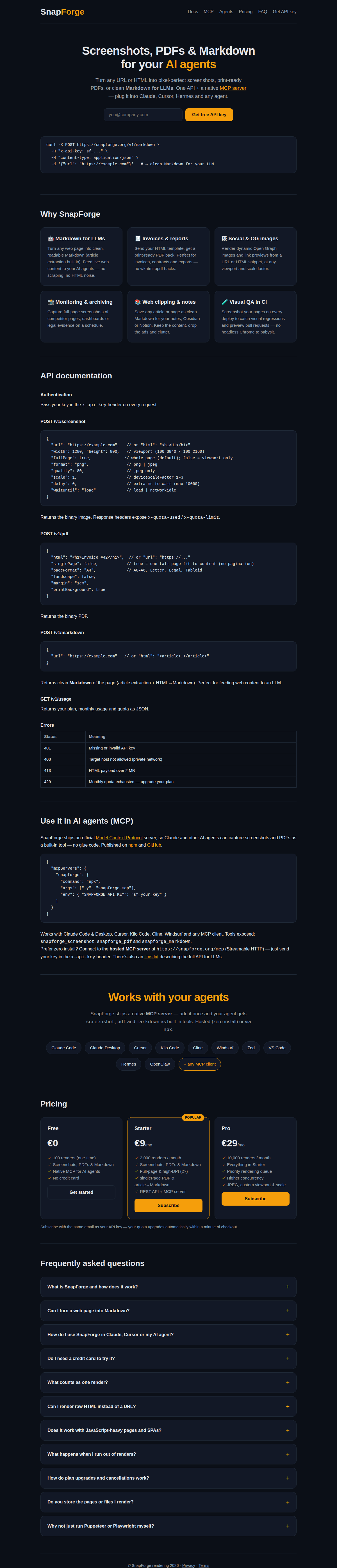
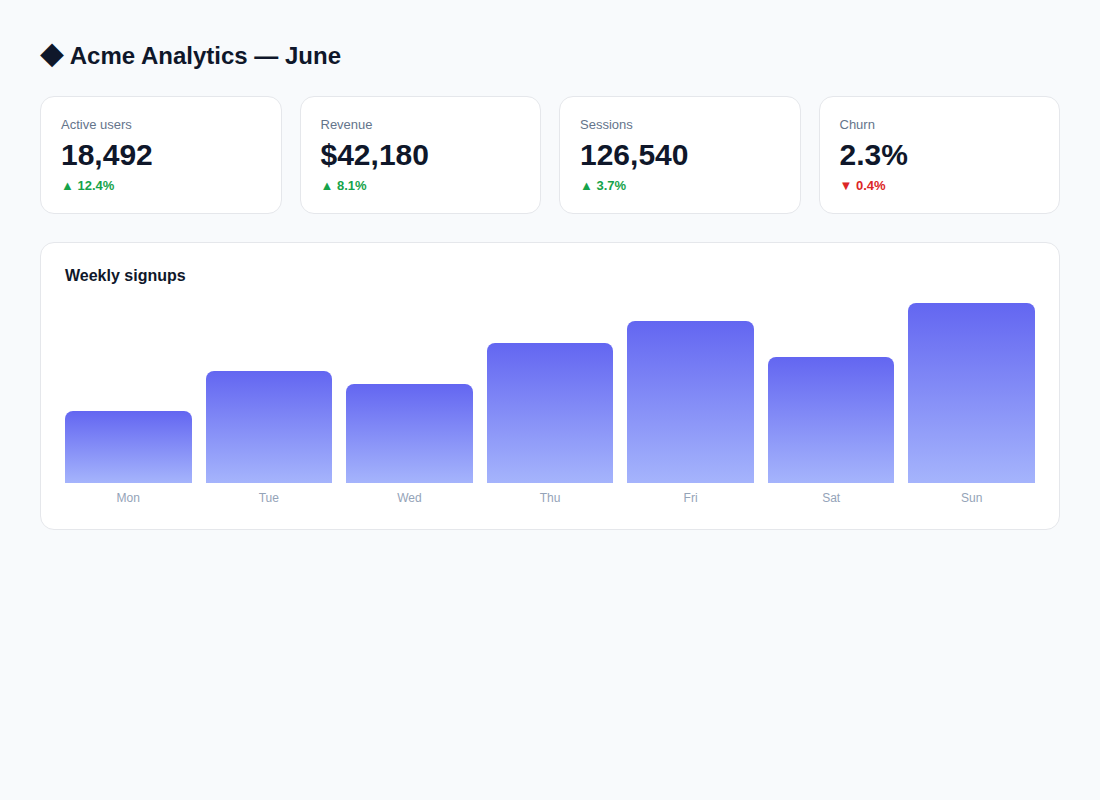
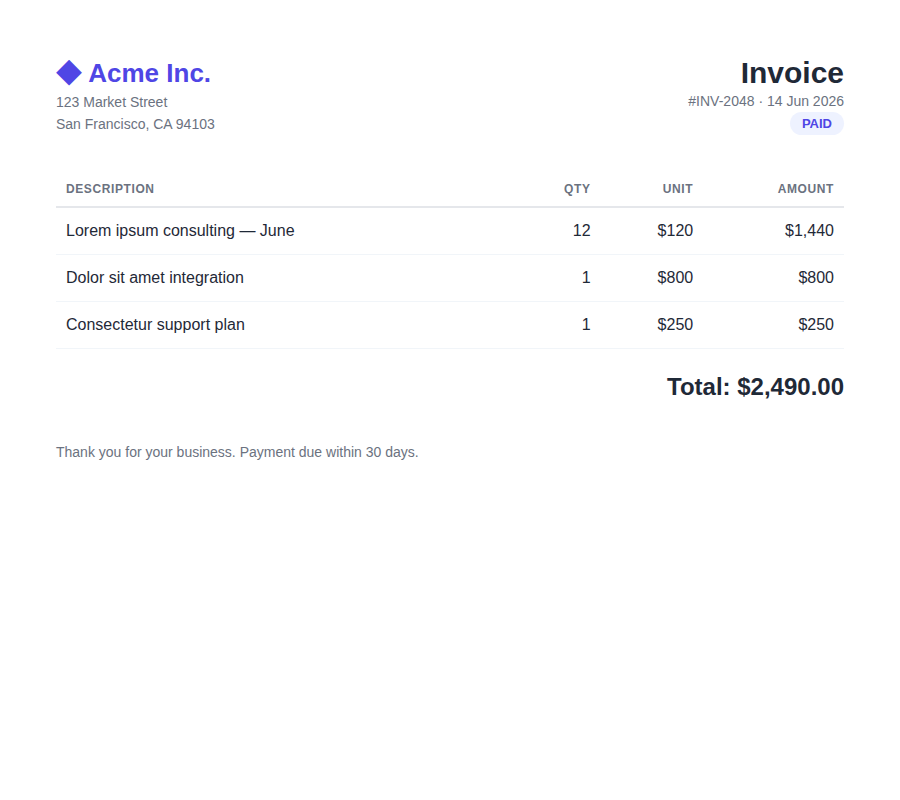
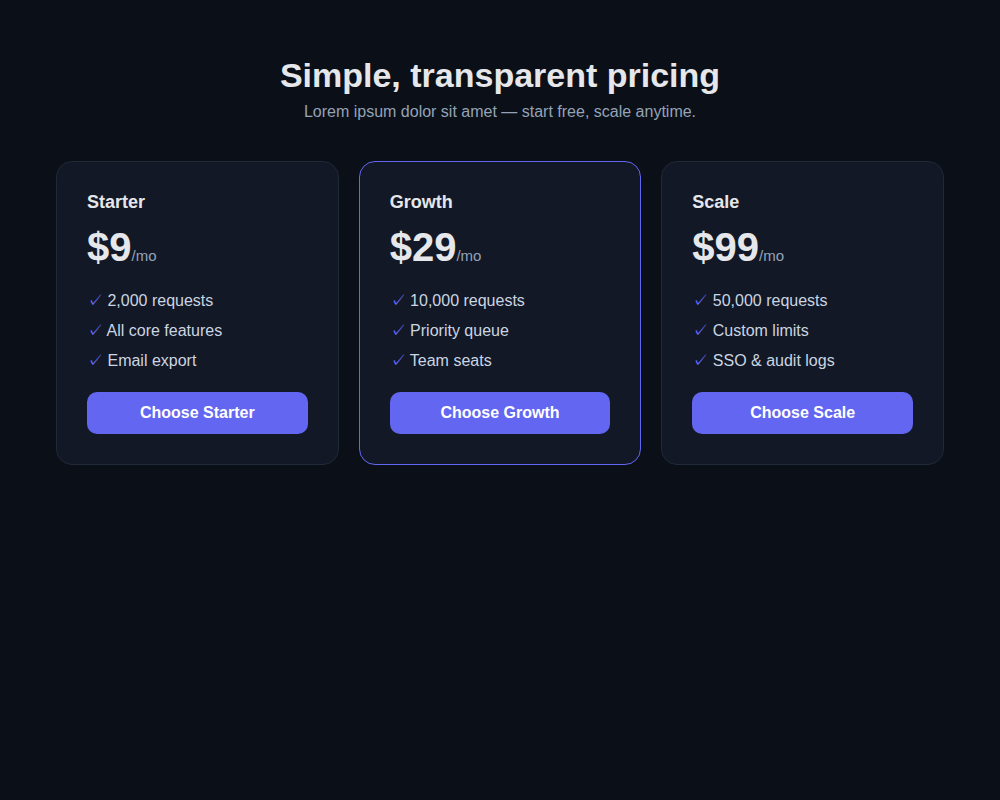
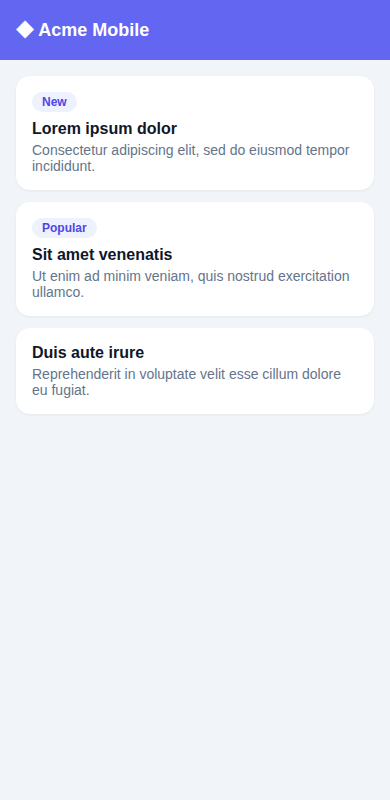
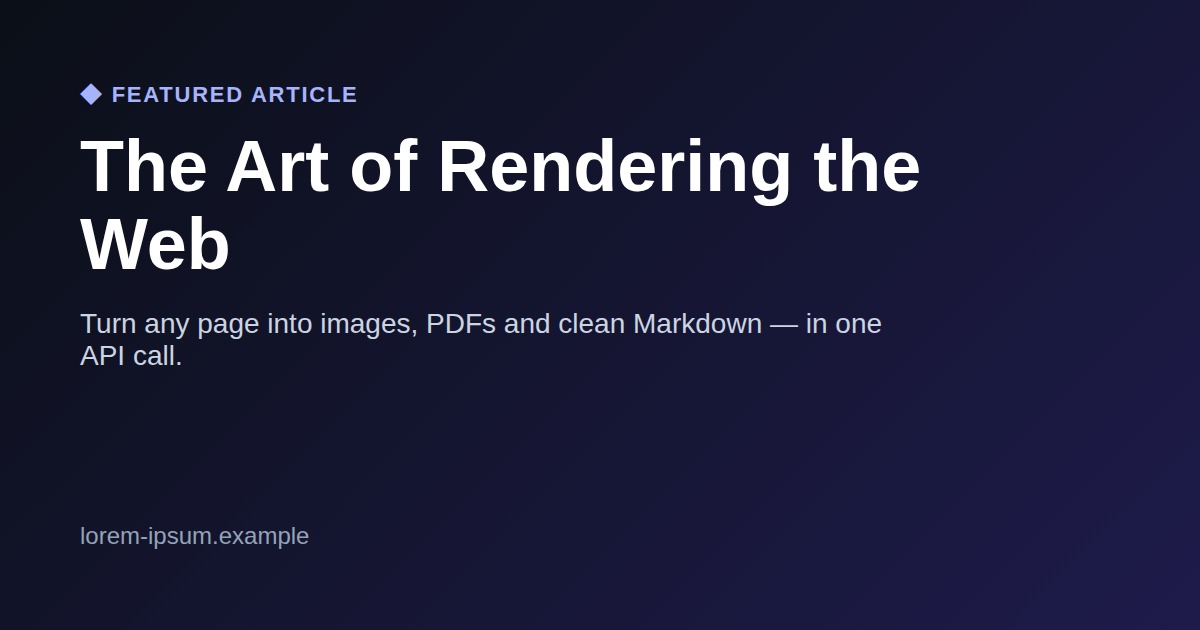
PDF samples: invoice · single-page article · multi-page report · certificate — or any page as Markdown.
API documentation
Authentication
Pass your key in the x-api-key header on every request.
POST /v1/screenshot
{
  "url": "https://example.com",   // or "html": "<h1>Hi</h1>"
  "width": 1280, "height": 800,   // viewport (100–3840 / 100–2160)
  "fullPage": true,              // whole page (default); false = viewport only
  "format": "png",                // png | jpeg
  "quality": 80,                  // jpeg only
  "scale": 1,                     // deviceScaleFactor 1–3
  "delay": 0,                     // extra ms to wait (max 10000)
  "waitUntil": "load"             // load | networkidle
}
Returns the binary image. Response headers expose x-quota-used / x-quota-limit.
POST /v1/pdf
{
  "html": "<h1>Invoice #42</h1>",  // or "url": "https://..."
  "singlePage": false,            // true = one tall page fit to content (no pagination)
  "pageFormat": "A4",             // A0–A6, Letter, Legal, Tabloid
  "landscape": false,
  "margin": "1cm",
  "printBackground": true
}
Returns the binary PDF.
POST /v1/markdown
{
  "url": "https://example.com"   // or "html": "<article>…</article>"
}
Returns clean Markdown of the page (article extraction + HTML→Markdown). Perfect for feeding web content to an LLM.
GET /v1/usage
Returns your plan, usage and quota as JSON (total used on the free trial, current month on paid plans).
Errors
| Status | Meaning |
|---|---|
| 401 | Missing or invalid API key |
| 403 | Target host not allowed (private network) |
| 413 | HTML payload over 2 MB |
| 429 | Quota exhausted: free trial used up (100 renders, one-time), or monthly quota reached on a paid plan |
Use it in AI agents (MCP)
SnapForge ships an official Model Context Protocol server, so Claude and other AI agents can capture screenshots and PDFs as a built-in tool — no glue code. Published on npm and GitHub.
{
  "mcpServers": {
    "snapforge": {
      "command": "npx",
      "args": ["-y", "snapforge-mcp"],
      "env": { "SNAPFORGE_API_KEY": "sf_your_key" }
    }
  }
}
Works with Claude Code & Desktop, Cursor, Kilo Code, Cline, Windsurf and any MCP client. Tools exposed: snapforge_screenshot, snapforge_pdf and snapforge_markdown.
Prefer zero install? Connect to the hosted MCP server at https://snapforge.org/mcp (Streamable HTTP) — just send your key in the x-api-key header. There's also an llms.txt describing the full API for LLMs.
Works with your agents
SnapForge ships a native MCP server — add it once and your agent gets screenshot, pdf and markdown as built-in tools. Hosted (zero-install) or via npx.
Pricing
Free
- 100 renders, one-time free trial
- Screenshots, PDFs & Markdown
- Native MCP for AI agents
- No credit card
Starter
- 2,000 renders / month
- Screenshots, PDFs & Markdown
- Full-page & high-DPI (2×)
- singlePage PDF & article→Markdown
- REST API + MCP server
Pro
- 10,000 renders / month
- Everything in Starter
- Priority rendering queue
- Higher concurrency
- JPEG, custom viewport & scale
Subscribe with the same email as your API key — your quota upgrades automatically within a minute of checkout.
Frequently asked questions
What is SnapForge and how does it work?
SnapForge turns any URL or raw HTML into a screenshot (PNG/JPEG), a print-ready PDF, or clean Markdown. Behind each request we run a real headless Chrome browser, so pages render exactly as they would for a visitor — fonts, CSS, web fonts and JavaScript included. Use it as a plain REST API, or as a native MCP server so AI agents can call it directly.
Can I turn a web page into Markdown?
Yes — POST /v1/markdown (or the snapforge_markdown MCP tool) returns clean Markdown of any URL or HTML. It runs article extraction to keep the real content and drop nav, ads and clutter. Ideal for feeding live web pages to an LLM, or for clipping articles into your notes, Obsidian or Notion.
How do I use SnapForge in Claude, Cursor or my AI agent?
SnapForge ships a native MCP server, so screenshots, PDFs and Markdown become built-in tools for your agent. Connect the hosted endpoint https://snapforge.org/mcp (just send your key in the x-api-key header), run npx snapforge-mcp locally, or install the one-click Claude Code plugin. Works with Claude, Cursor, Kilo Code, Cline, Windsurf, Zed, VS Code, Hermes, OpenClaw and any MCP client.
Do I need a credit card to try it?
No. The Free plan includes a one-time allowance of 100 renders and only requires an email address to generate your API key. It's a real trial — enough to build and test before you commit. Upgrade anytime from the pricing section; your quota is bumped automatically within a minute of checkout.
What counts as one render?
Every successful screenshot, PDF or Markdown response counts as one render against your quota — the free tier is a one-time 100-render allowance, paid plans reset monthly. Failed requests (invalid input, unreachable target page, render errors) are automatically refunded and do not consume quota. Your current usage is returned on every response in the x-quota-used / x-quota-limit headers, or via GET /v1/usage.
Can I render raw HTML instead of a URL?
Yes. /v1/screenshot, /v1/pdf and /v1/markdown all accept either a url or an html field (up to 2 MB). Sending your own HTML is the typical workflow for invoices, reports and dynamic Open Graph images: render your template server-side, post it, get the file back.
Does it work with JavaScript-heavy pages and SPAs?
Yes. Pages are rendered in headless Chrome with JavaScript enabled. For single-page apps, set "waitUntil": "networkidle" so we wait until network activity settles, and add a delay (up to 10 seconds) if the page needs extra time for animations or late-loading content.
What happens when I run out of renders?
Requests over the limit return HTTP 429 with a clear error message — we never silently bill you for overages. On the free tier (one-time 100), subscribe to keep going; your key keeps working the moment you upgrade. On paid plans, raise the limit instantly by upgrading, or wait for the monthly reset.
How do plan upgrades and cancellations work?
Subscriptions are handled by Stripe. Subscribe with the same email you used for your API key and your quota upgrades automatically — no key change, no redeploy. You can cancel anytime; your plan simply drops back to Free at the end of the billing period.
Do you store the pages or files I render?
No. Screenshots and PDFs are generated on the fly, streamed back in the response and never written to disk. We only keep minimal metadata (timestamp, render duration, output size) for quota accounting and abuse prevention.
Why not just run Puppeteer or Playwright myself?
You can — until you have to keep Chrome patched, manage memory leaks and zombie processes, scale concurrent browsers, and debug fonts in Docker. SnapForge manages the browser fleet for you, so a screenshot stays what it should be: one HTTP call.